Support
A person reads
every email.
Write to us and we will reply within two business days. Most of what people ask is answered below.
Email supportdantecorso@icloud.com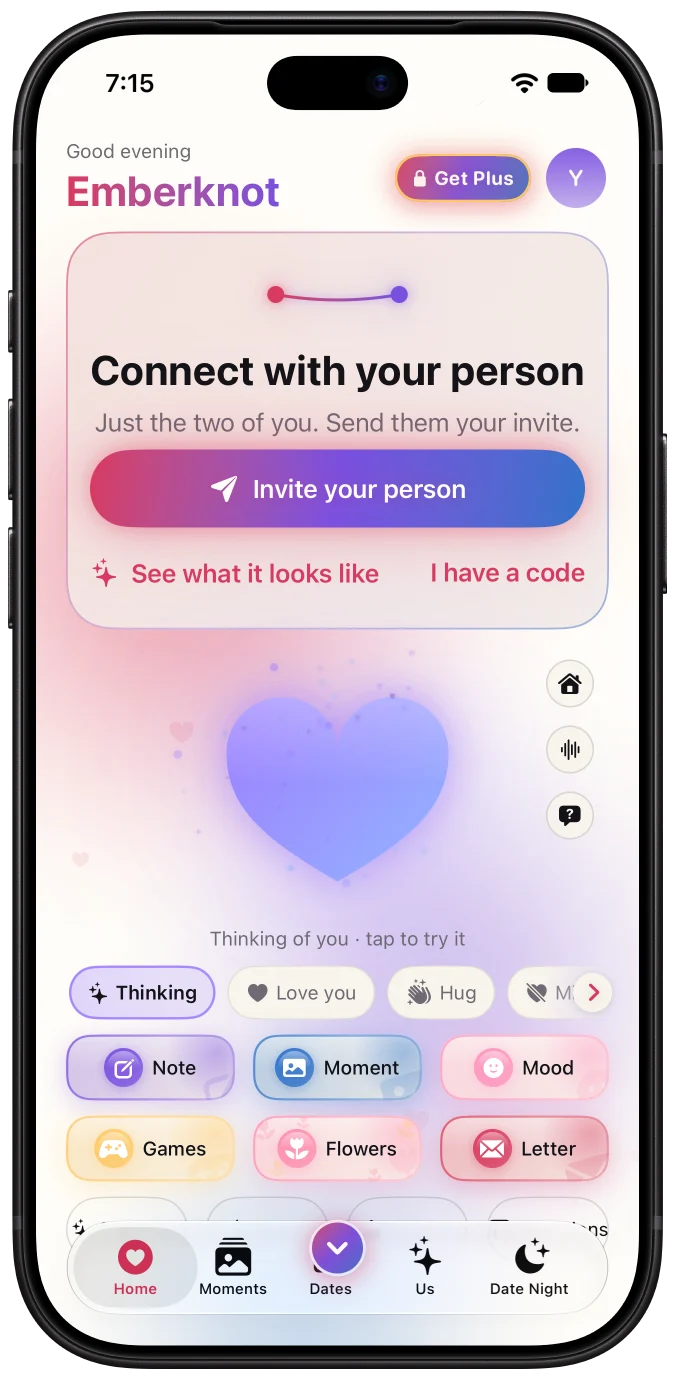
Help
What do you need to do?
Answers
Step by step.
Connecting with your person
Emberknot connects exactly two people, and there is one way in. One of you opens the app and creates an invite — a short code like MINT-4821, or a link. The other enters the code or taps the link. That is the whole setup.
A code works once and lasts up to 7 days (24 hours if it was sent from an older version of the app), so if it has been a while, make a fresh one. There is no search and no way to find someone who has not handed you a code on purpose, which is also why nobody can find you.
Signing in and your account
Each of you signs in with your own account — Apple, Google, or an email and a password — and you connect by invitation. Your account works on iPhone and Android, so if the two of you are on different phones, nothing about that is your problem.
- Sign in with Apple and Google. One tap, no new password. Apple's private relay option works, so you never have to hand over your real address.
- Email and password too. Because not everybody wants to be inside somebody's ecosystem, and a product for two people should not require both of them to be.
- Export everything you wrote. Your notes, your photos, your check-ins, in a file you keep.
Paying for Emberknot+ is separate from your account: it runs through the App Store or Google Play. How billing works.
Canceling Emberknot+
One subscription covers both of you, and it is billed by the store you bought it from — so it is canceled there, not in Emberknot. We cannot cancel it for you.
- On iPhone: open the Settings app, tap your name at the top, then Subscriptions, then Emberknot+, then Cancel Subscription.
- On Android: open the Play Store, tap your profile picture, then Payments & subscriptions, then Subscriptions, then Emberknot+, then Cancel subscription.
Canceling stops the next payment. Everything stays unlocked until the day the period you already paid for runs out.
Deleting your account
In the app, open Settings from the Home or Us screen, scroll to the bottom, and tap Delete account. Not by emailing us, not by filling in a form. It ends the connection, removes your side of the thread, and revokes every notification token: your profile, your messages, your photos and your push tokens go with it — there is no thirty-day copy kept in case you change your mind.
Deleting your account does not cancel a subscription; that is still done in the store, as above. If you no longer have the app, you can request deletion here instead.
Something is wrong with another person
Report and block are in the app, on the same screen as disconnect, and neither tells the other person you used them. Every report is reviewed by a person within 24 hours. For anything involving harassment or safety, write to dantecorso@icloud.com. If you are worried about the person you are paired with, read relationship safety.
The fine print
What we store and what we never store is in the privacy policy. The agreement you accept by using Emberknot is in the terms.
Still stuck? Write to us.
A screenshot and your phone model help more than anything else. If it is about something private between the two of you, say so and we will not ask to see it.
Email dantecorso@icloud.com