Every surface
Built for the
glance.
Most of what Emberknot does happens without the app open. Here is every place it lives, at roughly the size you will actually see it.
iPhone and Android
Five screens. Two of them are the whole app.
Home is a heart you cannot miss and both your moods above it. Moments is a thread, not a chat. Dates counts down to what is next, Us is the two of you over time, and Date Night spins the wheels for tonight. Android is Material throughout rather than a copy of the iOS layout — the same product, in each platform's own idiom.
Every screen is there on the free tier, with limits: four of the eight taps, and beyond your first photo, first voice note and Cup Pong, photos, voice notes, Questions and Games need Emberknot+. Every screen ships in light and dark and follows your phone's own setting.
Four of them below — Home, Moments and Us, on both platforms, in both appearances.
Signing in & billing
Your own accounts.
One shared space.
Each of you signs in with your own account — Apple, Google, or an email and a password — and you connect by invitation. Your account works on iPhone and Android, so if the two of you are on different phones, nothing about that is your problem.
- Sign in with Apple and Google. One tap, no new password. Apple's private relay option works, so you never have to hand over your real address.
- Email and password too. Because not everybody wants to be inside somebody's ecosystem, and a product for two people should not require both of them to be.
- Billing runs through the App Store and Google Play. Emberknot never sees a card number. Manage, pause or cancel in your phone's own subscription settings — the same two taps as everything else you pay for.
- One subscription covers both of you. Whichever of you buys it, you both get it. It is a shared thing; charging twice for it would be strange.
- Delete your account in the app. Not by emailing us, not by filling in a form. It ends the connection, removes your side of the thread, and revokes every notification token.
- Export everything you wrote. Your notes, your photos, your check-ins, in a file you keep.
Free on the App Store for iPhone, with Android coming soon. Emberknot+ is optional: three days free for new subscribers, then US$5.99 a month or US$49.99 a year for both of you.
Widgets & Lock ScreenEmberknot+
Press the heart.
The app never opens.
Ten widgets on Android, and the same family on iPhone. The Home Screen widget sends a real tap in place. The Lock Screen accessories are monochrome because the system discards color there — so the shape carries the meaning instead of the hue.
Everything in this section is Emberknot+, along with voice notes — up to a minute, in your own voice, with the shape of what you said drawn on the timeline before a byte of audio is fetched. The everyday app — four taps, notes, moods and the timeline — is free. Three days free to try everything else.
Home Screen
Small and medium. One press sends a tap in the background — no launch, no loading, and the same idempotency as the app, so a double press is one tap.
Lock Screen
Circular, rectangular and inline. Rendered in the system's vibrancy layer, which strips color — so these are drawn in shape and weight only.
On Android: lock screen widgets returned in Android 16 and Emberknot's are ready for it. Below that, Android has no lock screen widget API at all — so what reaches your lock screen is notifications, and a Quick Settings tile that sends a tap from the shade without opening the app.
The ember
Every widget sits on a ground that burns. A tap that just landed leaves the tile hot, and it cools through amber to ash by the next morning — so you learn how long it has been without reading a number. Most of the change happens in the first few hours, where the difference actually means something.
Sky & quick tap
Sky is both of your moods as weather — rain behind a rough day, warm light behind a good one. Quick tap puts four kinds on one tile, each sending in the background without opening anything.
Latest & note
The last thing that happened, showing the picture they actually sent rather than a description of it — and the last note, which is the only place outside the app their words can be read. Note previews are yours to switch off.
Their photo
Their newest photo, full-bleed on your Home Screen with its caption — or, when the newest thing they sent is a drawing, the drawing. Small, medium or large. Photos show while widget previews are on in Settings; drawings always do.
Countdown
The next date or trip, in small and medium. It is the one thing in Emberknot that changes without either of you doing anything — which is exactly what a Home Screen is good at and an app you have to open is bad at.
Together & mood
The two of you and how long it has been, and how they are right now. The streak is there and deliberately the smallest thing on the card — this is not a game and we are not keeping score.
Live Activity
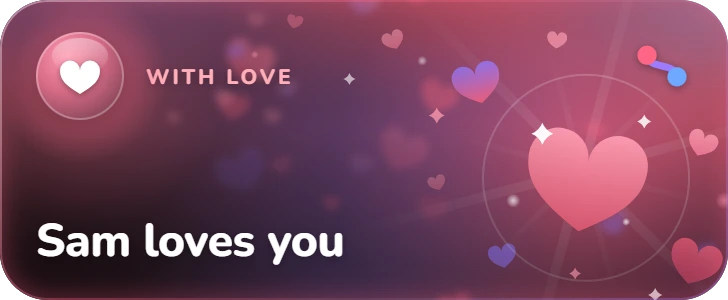
On the Lock Screen and in the Dynamic Island, each moment in its own scene — hearts for a love-you, a moon for goodnight — with the Emberknot mark in the corner. You choose which events may start one — see Together.
On Android: the equivalent is Live Updates, new in Android 16 — the system feature behind Samsung's Now Bar. Emberknot's are on the way; until then, the same moments arrive as notifications you can answer from the Lock Screen.
Watch face
Four ways to put them on your watch face. The shortest distance between two people this product can build: no unlock, no launch.
The Lock ScreenEmberknot+
There before
you unlock.
A tap, a goodnight, a trip, a check-in. Each one sits on your Lock Screen while it matters, next to widgets that show how they are right now. Nothing to open.
When they tap you
Their tap lands on the Lock Screen and in the Dynamic Island, in its own scene. The heart widget at the bottom sends one back without unlocking.
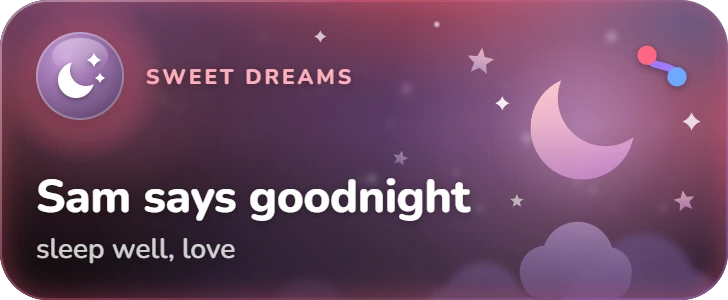
When they say goodnight
A crescent and stars on the Lock Screen, beside the days until the trip, the days you have had and the streak.
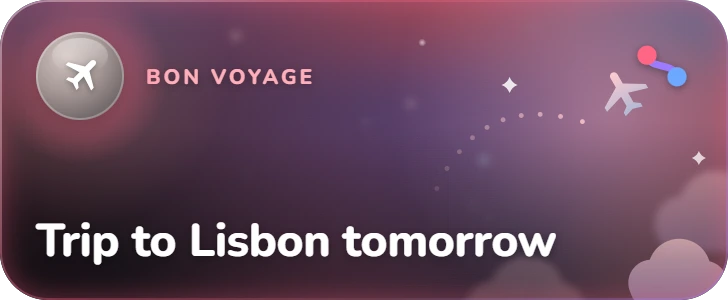
The day before a trip
The trip is already on the Lock Screen, in its own scene, next to how they are feeling about it.
Android
The same moments arrive as a notification you can answer from the Lock Screen, beside an Emberknot widget. Here, a check-in: Sam pressed “home” themselves.
A scene for every moment
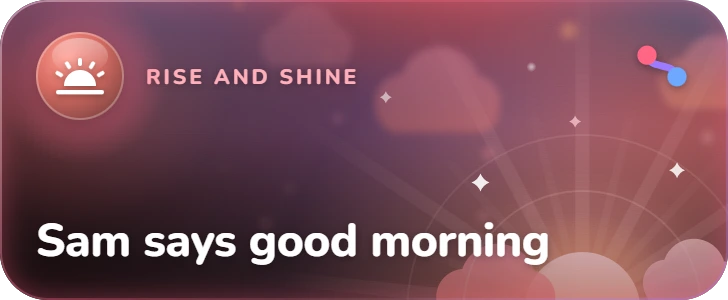
Each kind of moment wears its own still scene over your pair's theme: hearts for a love-you, a crescent for goodnight, a sunrise for good morning, weather for a mood. No countdown on the card, just the moment and the Emberknot mark.
- Love you
- Goodnight
 Good morning
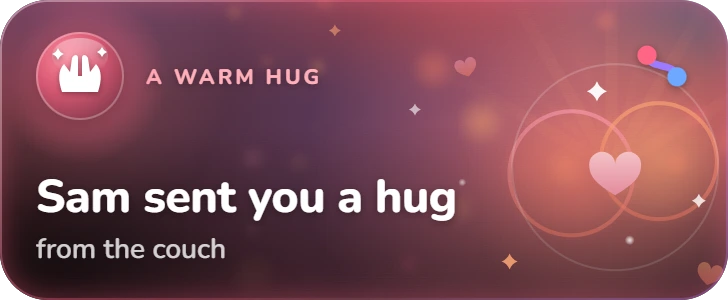 Hug
Hug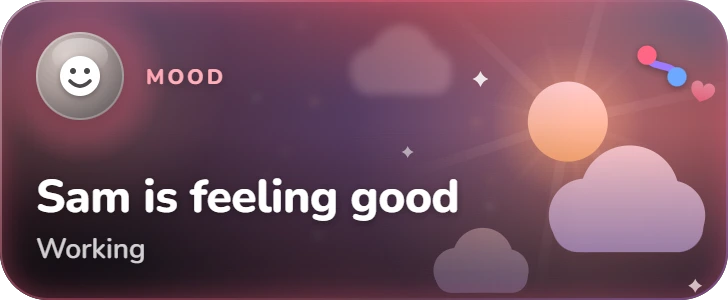 A mood
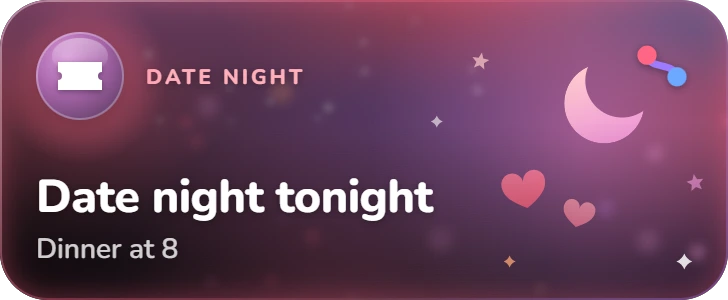 Date night
Apple WatchEmberknot+
A real app. Not a companion.
A watch gets used while walking, while carrying something, or half asleep. Anything that needs precision fails — so the tap target is the whole width of the screen and your phone buzzes on the press, never after.
- One press, one buzz, the instant you do it.
- Every tap kind on its own page, each a full-width row.
- Your countdown on the third page, counting locally.
- Queued offline and replayed by the phone — carrying the same id, so it can never arrive twice.
Put it on your wrist.
Free on the App Store for iPhone, with Android coming soon. Emberknot+ is optional: three days free for new subscribers, then US$5.99 a month or US$49.99 a year for both of you.
 Out now on iPhone
 Coming soon on Android
On the App Store now for iPhone. Android is coming soon — join the waiting list for one email the day it is on Google Play, and nothing else, ever.